





















Minecraft Mod Apk v1.18.30.04 (Bedrock Edition)
App Name:
Minecraft
1.18.30.04
for Android
Updated on
Wed Nov 04 16:39:40 CST 2026
 Fast Download

6.0
 MOD Info :
Bedrock Edition
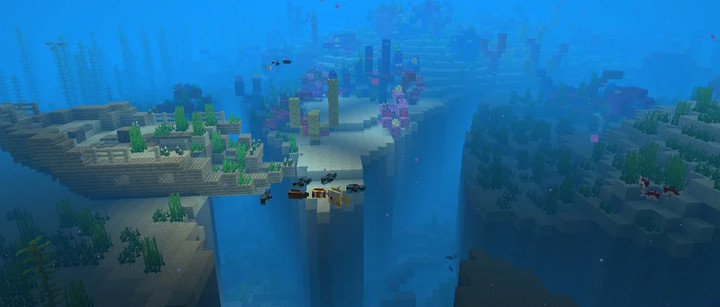
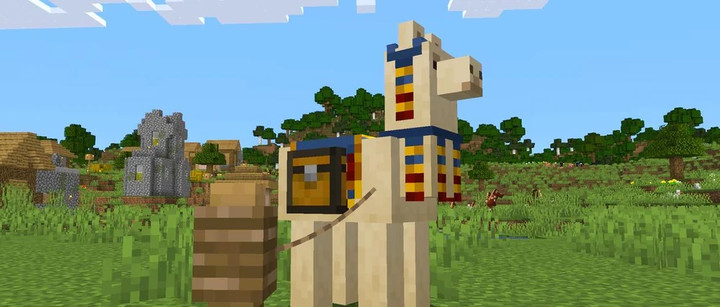
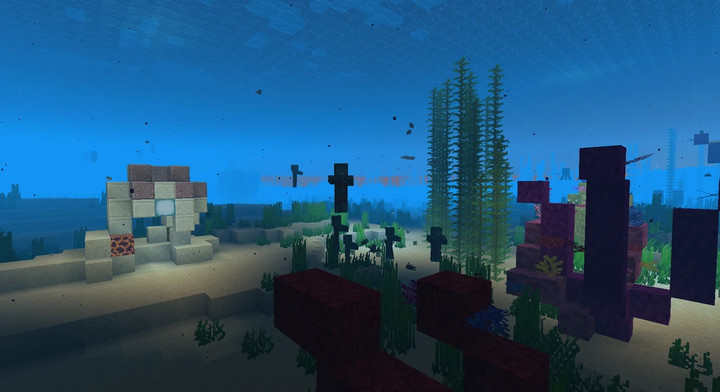
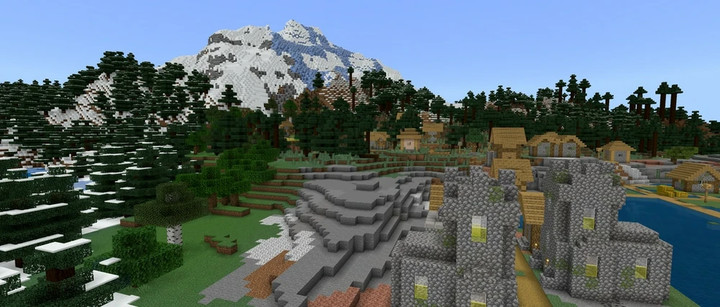
The description of Minecraft Bedrock Edition
Survival Mode offers a different experience by introducing resource management, environmental dangers, and hostile creatures. You begin with limited equipment and must gather materials to establish a secure position. Wood is usually one of the first resources you need. It allows you to craft basic tools, construct shelters, and prepare for more demanding activities. Every early decision can influence how comfortably you progress.
Crafting is an essential part of the survival experience. Players combine collected materials to produce tools, weapons, armor, and useful equipment. Better tools make resource gathering more efficient. Stronger armor improves your ability to face dangerous enemies. You must also manage your inventory carefully because carrying everything is not always practical. Choosing which materials deserve priority becomes increasingly important during longer journeys.
Hostile creatures introduce additional pressure, especially after darkness falls. Zombies, skeletons, spiders, and other dangerous mobs can threaten unprepared players. Building a protected shelter provides a reliable place to spend the night. Torches and other light sources also help illuminate important areas. As your equipment improves, you can gradually explore more dangerous locations with greater confidence.
Survival Mode creates a satisfying balance between preparation and discovery. Finding valuable materials feels rewarding because obtaining them requires effort. Defeating dangerous enemies also provides a sense of accomplishment. Sometimes, a seemingly ordinary expedition can become an unexpected challenge. These unpredictable situations make each survival adventure memorable.
Crafting, Mining, and Resource Management
Mining is one of Minecraft's most recognizable gameplay activities. Players travel underground to search for valuable ores, stones, and other useful materials. Different resources support different crafting recipes and construction projects. Common materials help with everyday equipment, while rarer discoveries unlock more advanced possibilities. Exploring underground environments therefore becomes an important part of long-term progression.
However, mining requires more than simply digging downward. Players need appropriate tools, sufficient supplies, and a reliable route back to the surface. Underground environments can contain dangerous creatures and unexpected obstacles. Limited visibility also makes preparation especially important. Bringing torches, food, and suitable equipment can prevent an expedition from becoming unnecessarily difficult.
Resource management connects almost every major gameplay system. Materials collected during exploration can improve equipment, expand buildings, and support automated production. Players must decide whether to spend resources immediately or save them for larger projects. These choices create natural progression without requiring a rigid mission structure. Over time, even a small collection of materials can develop into an extensive survival infrastructure.
Discover the Marketplace and Community Creations
Minecraft Bedrock Edition extends its possibilities through an integrated Marketplace. Players can discover community-created content and expand their worlds with additional experiences. Available creations include custom maps, character skins, and texture packs. These additions provide different ways to personalize the familiar Minecraft environment. They also introduce fresh ideas beyond the standard gameplay experience.
Maps are particularly useful for players who enjoy exploring specially designed environments. Some focus on challenging adventures, while others emphasize creative construction or unusual gameplay concepts. Each map can introduce different objectives and surroundings. This variety allows players to experience Minecraft from perspectives created by other community members. It also provides inspiration for designing original worlds.
Character skins offer another straightforward customization option. You can change your appearance to match your preferred style or favorite character concept. Texture packs can also modify the visual presentation of blocks and other elements. These changes help create a more personal atmosphere without replacing the fundamental gameplay mechanics. Together, community creations keep the experience varied and engaging.
Slash Commands and Add-On Customization
Slash commands provide additional control over the Minecraft experience. Players can use supported commands to perform actions such as giving items, summoning creatures, and changing the time. These functions are useful for managing certain situations or experimenting with different gameplay possibilities. They can also simplify specific creative tasks. Understanding available commands gives experienced players another way to control their worlds.
Add-ons introduce further customization opportunities. They allow players to modify supported game elements and create different experiences. Depending on the add-on, these changes may affect creatures, behaviors, items, or other gameplay features. Players with technical knowledge can explore data-driven customization to develop their own resource packs. This flexibility makes Minecraft appealing to people interested in both playing and creating content.
Customization also encourages experimentation. You might introduce different creatures into an existing world or adjust certain elements to support a new adventure. These modifications can change how familiar environments feel. However, compatibility and supported features may vary between add-ons and game versions. Choosing suitable content helps maintain a stable experience.
Multiplayer Adventures with Friends
Minecraft becomes even more engaging when shared with other players. Its multiplayer features allow friends to explore, construct, and survive together. Instead of completing every task alone, you can divide responsibilities and coordinate larger projects. One player might gather materials while another expands the base. Someone else can explore nearby areas or prepare defensive equipment.
A free Xbox Live account supports online multiplayer with up to four friends. This provides an accessible way to enjoy cooperative adventures. You can build shared settlements, organize resource collections, and explore unfamiliar environments together. Working as a group also makes challenging activities more manageable. Communication becomes particularly valuable when exploring dangerous locations or planning large constructions.
Realms offers another multiplayer option through a private server environment. Players can invite up to ten friends and continue developing their shared world. Because the world remains available through the service, everyone can contribute at different times. This creates opportunities for long-term collaborative projects. A shared settlement can gradually become a detailed community built through everyone's efforts.
Minecraft Bedrock Edition also supports cross-platform multiplayer. Players using compatible devices can connect and enjoy shared adventures. This makes it easier for friends to participate even when they do not use the same platform. The experience feels more social because building and exploration become shared activities. Each player can contribute different ideas and skills.
Explore Massive Community Servers
Community servers provide another dimension to Minecraft multiplayer. These environments bring together large numbers of players within specially designed worlds. You can discover expansive locations, participate in unique activities, and interact with other community members. Many servers feature dedicated areas that differ considerably from ordinary survival worlds.
Minigames are among the most popular server activities. They introduce shorter competitive experiences with different rules and objectives. Some focus on teamwork, while others emphasize individual skill and quick decisions. These activities provide a refreshing alternative to traditional building and resource collection. They also offer opportunities to meet players from different communities.
Busy server lobbies create a social environment before matches and activities begin. Players can communicate, explore available features, and find others interested in similar challenges. Some servers also provide custom progression systems and special events. Their content depends on individual server operators. Exploring different communities can therefore reveal surprisingly varied Minecraft experiences.
——Uploaded by the user

Additional Information
Category: Simulation Publisher: gamer Requirements: Andriod 5.0+ Publish Date: Wed Nov 04 16:39:40 CST 2026
Tags
Articles About Minecraft
History Versions
Similar to Minecraft Bedrock Edition
Car Simulator 2
v1.64.9
862.6MB

Barbie Dreamhouse Adventures
v2026.7.0
1.1GB

Adorable Home
v2.19.4
239.3MB

Cooking Madness
v3.4.7
638.1MB

Oxide: Survival Island
v0.4.10950
280.8MB

Farming Simulator 26 Mobile
v0.0.0.38 - Google
2.4GB

Truckers of Europe 3
v0.7.64
1.2GB

Idle Cat Gunner: Shooter RPG
v1.1.66
190.1MB
Recommended

Toca Life World
v1.142
988.9MB

Car Parking Multiplayer
v4.9.12
2.3GB

Poppy Playtime Chapter 5
v1.0.17
3.5GB
Minecraft: Dream it, Build it!
v1.26.62.1
1016.8MB

Avatar World ®
v1.228
1.5GB

The Roottrees are Dead
v1.0.14
893.3MB

Melon Playground
v39.3
232.6MB

Projeto Grau 2
v1.0.8
710.4MB
MemeticBox
v1.0-demo
19.4MB
Recommended Article
 joker
Reviews (0)

Write Review

No content~

PlayMods
PlayMods, Play More Fun!

Download
v2.6.25
(61.8MB)
Mods for Minecraft
There are currently 495 mods for you to download and use
Siren Head Adddon
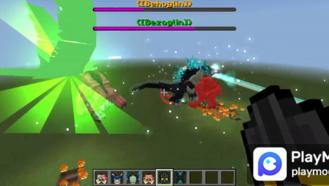
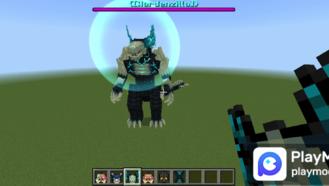
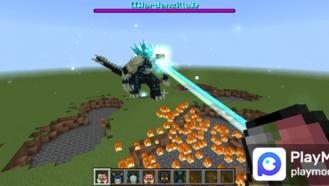
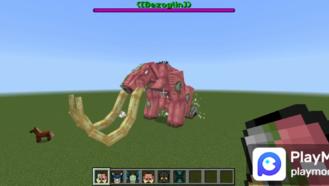
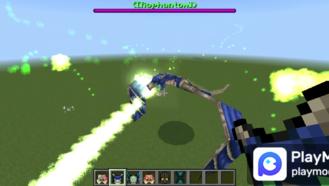
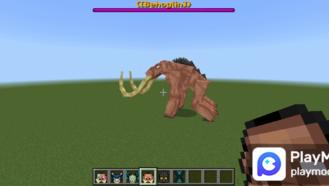
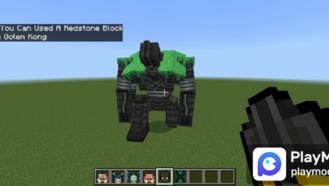
Kaiju Craft Adddon 2.0
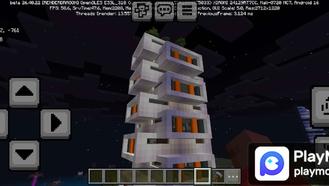
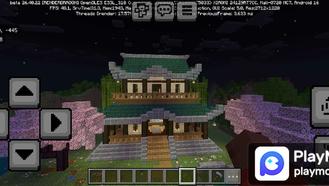
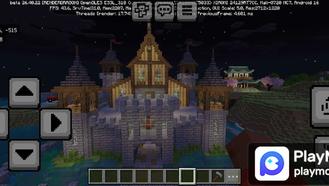
Survival biomes
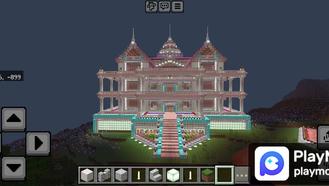
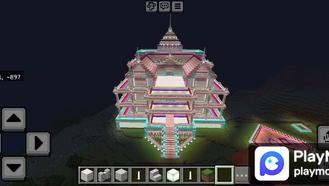
Pink Castle
Dragon Traveler Modpack

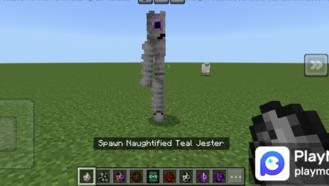
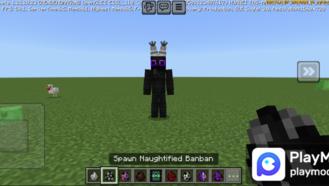
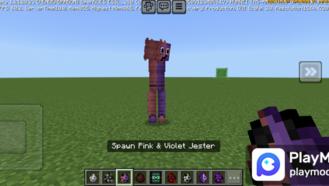
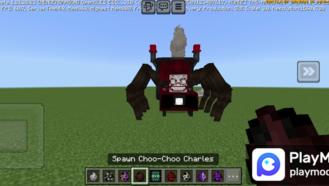

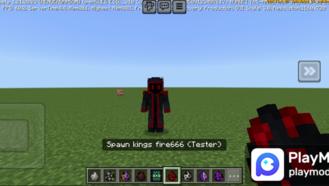
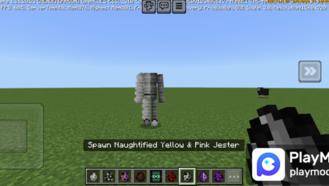
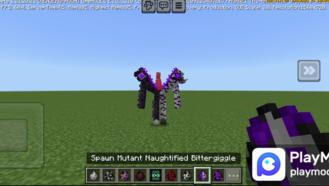
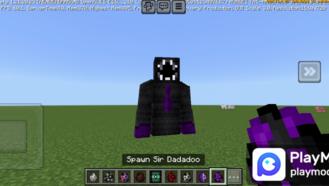


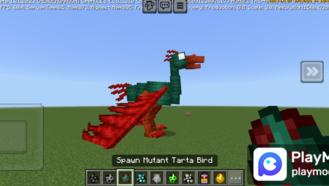

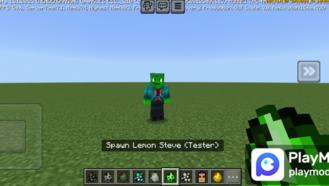

Garten of Banban 7 Addon
Other Mod Apk
Minecraft Mods inside/Recommended
v1.26.70.23
1.0GB
Mod Menu:
1.God Mode
Mods inside, Commands, and Seeds
1. Built-in Commands and Seeds
Tap the PlayMods CODE floating window to access the built-in commands and seed features. Please follow the instructions provided inside the floating window for detailed usage.
2. Extensive Mod Resources
The app includes a large collection of Minecraft mod resources, covering maps, character skins, resource packs, behavior packs, and more. Tap the PM floating window to download and use the available resources.
3. No Test Qualification Verification Required
No test qualification verification is required to access and use the available features.


Important Notes:
1. Allow Storage Permission
When entering the game, please allow storage permission when prompted. If permission has not been granted, open Settings → Storage → File Storage Location after entering the game. Then select External.


2. Installation Troubleshooting
If the installation fails, please follow the troubleshooting solutions below.


3. Check for an Existing Version
Please check whether the same game is already installed on your device. If another version is installed, uninstall it first and then try installing again. Please note that uninstalling the game may delete locally stored save data.


4. Check Available Storage Space
Please make sure your device has enough available storage space. If storage is insufficient, clear some space before attempting the installation again.


5. Resource Pack Loading Delay
Due to limitations caused by the official game mechanism, this version may experience a 2–3 second delay when you tap the Resource Packs button. Please wait patiently while the resources load.
Join our official channel get all latest updates & future previews first! ↓
t.me/PlayModsMinecraft
t.me/playmodsapp
https://discord.gg/K2jT6C337
https://discord.gg/hrKPeM7y4

Minecraft Mod Menu/Mods inside
v1.26.62.1
1016.8MB
Mod Menu:
God Mode
Minecraft God Mode
v1.26.70.23
1.0GB
Invincible
Unlocked
Minecraft Mod Menu
v1.26.70.23
1.0GB
Built-in menu, the menu contains the following functions:
1.God Mode
Join our official channel get all latest updates & future previews first! ↓
t.me/PlayModsMinecraft
t.me/playmodsapp
https://discord.gg/K2jT6C337
https://discord.gg/hrKPeM7y4
Minecraft Unlock full content
v1.26.62.1
1015.2MB
Unlock full content
God Mode
Minecraft Adventure Expansion
v1.16.221.01
151.1MB
Adventure Expansion & Blue Bratadis Map

Minecraft Bedrock Edition
v1.21.100.6
577.5MB
Bedrock Edition