
















 Fast Download


 App Cloner



 MOD Info :
Unlock paid content
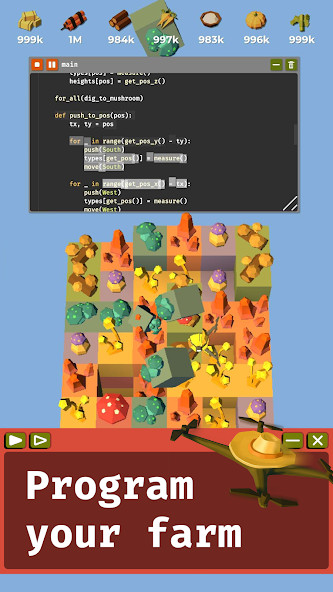
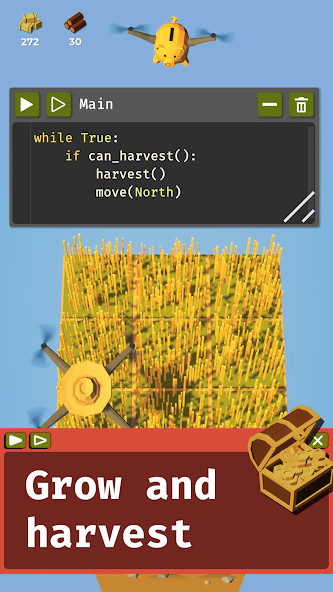
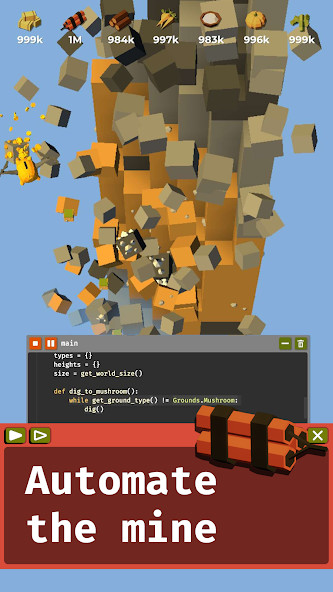

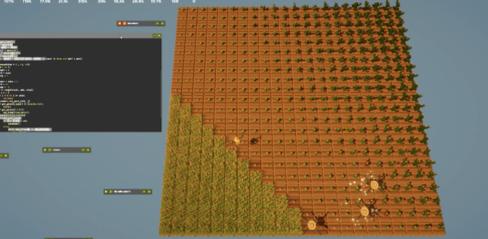
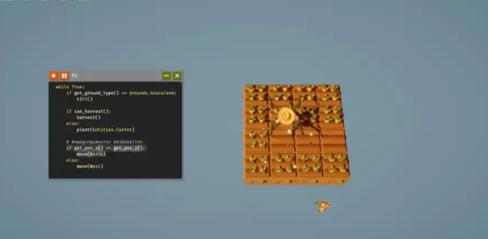
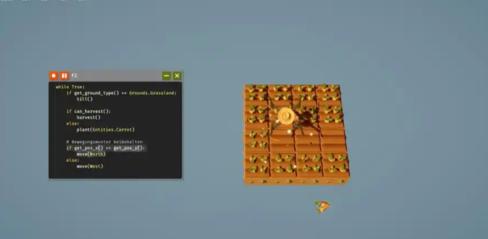
The Farmer Was Replaced puts you in control of a farming drone through a simple, Python-like programming language. Instead of performing every task by hand, you write short programs that tell the drone how to work. Commands can cover essential actions such as tilling the soil, planting seeds, watering crops, and harvesting produce, giving you a clear way to automate repetitive farm work.
After writing your instructions, press execute and watch the drone follow the program across the field. The results depend on the code you provide, so the core experience combines programming with practical farm management. You can revise a routine, run it again, and gradually build more efficient ways to produce resources. The drone does the physical labor while you focus on logic, planning, and problem-solving.
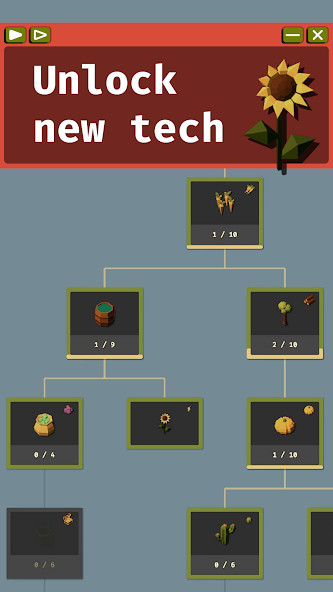
There are no conventional levels in The Farmer Was Replaced. Instead, the farm advances through continuous progression in which harvested resources support new unlocks and the next problem. Hay, wood, and carrots form the early foundation of the economy, but each material also creates opportunities for more ambitious plans as your coding skills and available resources grow.
The progression loop moves naturally from writing a basic action to designing a reusable routine. Resources earned by the drone can be spent to expand what you are able to do, while new tasks test your ability to organize increasingly complicated work. Rather than waiting for a fixed campaign milestone, you decide which challenges to tackle and how your automated farm should approach them.
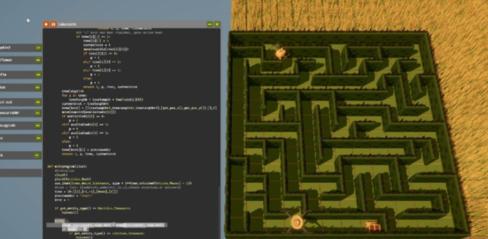
The farm is filled with challenges that go beyond simply planting and harvesting one crop. You can merge pumpkins into a giant one, sort cacti, search for the best sunflower, feed a dinosaur, and hunt for treasure inside a hedge maze. These tasks vary the routine your code must perform, turning familiar materials into fresh programming problems without introducing traditional level structures.
Each activity calls for a different combination of movement, identification, and decision-making. A program may need to gather specific items, separate objects, navigate a confined area, or complete a multi-step objective. Because the tasks rely on your instructions, there is room to approach them through different routines. The result is a farm whose apparent simplicity gives way to increasingly creative automation challenges.
The game introduces programming concepts one at a time, beginning with loops, variables, functions, and lists. Instead of presenting every tool at once, it lets new ideas enter your workflow as the farm demands more capable programs. Each concept has a direct purpose, so you can learn by writing code that solves an immediate task rather than studying isolated examples.
New programmers can progress at their own pace while still encountering meaningful challenges. Experienced coders may move through the basics more quickly and begin focusing on efficiency, reusable functions, and coordinated routines. The game supplies the tools, but finding a working solution remains your responsibility, which makes the process feel closer to solving a practical problem than following a rigid tutorial.
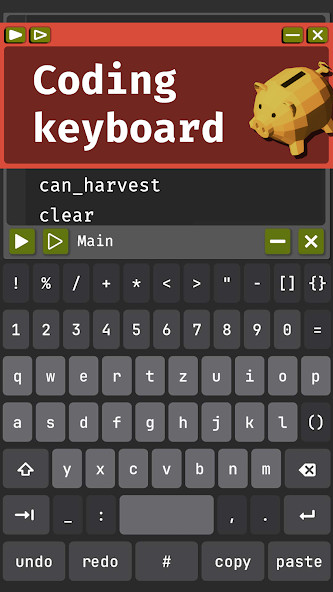
Programming on a phone or tablet is supported by a custom code keyboard that places every needed symbol on one screen. Brackets and quotation marks appear in pairs, helping you enter structured code without hunting for separate keys. Dedicated controls include undo, redo, comments, and paste, covering common editing actions that are especially useful when revising longer programs.
The interface also supports QWERTY, QWERTZ, and AZERTY layouts, with either key clicks or vibration for feedback. You can swipe across keys to move the cursor or hold Shift while swiping to select text. For players who prefer physical controls, Bluetooth keyboard and mouse support offers a more familiar way to write and edit code while working on the farm.
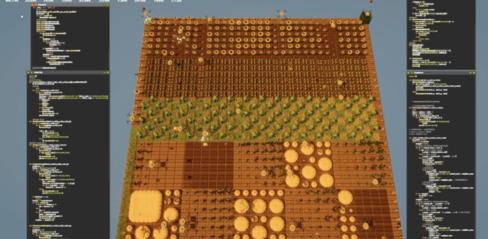
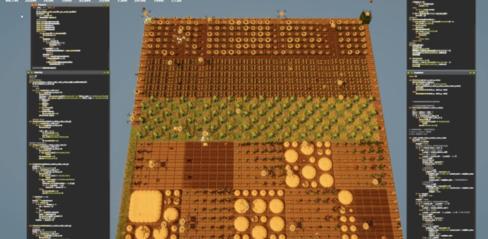
As your automation becomes more capable, you can move beyond a single worker and use Megafarm to run several drones in parallel. This expands the farming loop by allowing multiple programs or operations to make progress at the same time. You must decide how work should be divided, which routines should continue, and how your available resources can support a larger operation.
Running more than one drone also makes code organization more important. Functions and lists can help you structure repeated tasks, while careful routines can reduce unnecessary movement and repeated actions. The Megafarm feature does not remove the need for planning; it creates a larger system that you must program and manage. Small improvements to a routine can have a greater effect when several drones rely on it.
Simulation mode provides a fast and reproducible environment for testing your code. Instead of repeatedly running every experiment directly in the main farm, you can check how a routine behaves under consistent conditions. This makes it easier to identify errors, compare approaches, and refine instructions before committing the program to full operation.
Simulation is particularly useful when a task involves several steps or a fleet of drones. A dependable test can reveal where a program behaves differently from your plan, helping you focus on the logic before execution. Because results are reproducible, you can make a change, test it again, and determine whether the adjustment improved the routine.
The included expansion, The Miner Was Replaced, sends your drone below the surface and introduces eight new resources, including coal, quartz, mushrooms, and dynamite. Underground work broadens the resource chain and adds tasks that must account for the mining environment. You can dig through new terrain while using code to collect materials and avoid damaging ancient ruins.
The underground activities also include sorting mushrooms, growing rice on clay, and playing Minesweeper without blowing up your drone. These challenges use automation in different ways, from careful navigation to risk-aware field placement. Dynamite adds another tool to the mining routine, while the ruin-digging objective adds a constraint that requires more than simply removing everything in the drone's path.
The game supports both portrait and landscape layouts on phones and tablets, allowing you to choose an arrangement that fits your device and coding habits. A custom keyboard, alternative keyboard layouts, Bluetooth controls, and a dark development theme make the programming interface adaptable to different preferences without changing the underlying farming loop.
Unlockable achievements provide additional goals as you improve your routines, while hats let you personalize the drone responsible for the work. The game is available in 14 languages and includes a free trial before the full experience requires a one-time purchase. There are no advertisements or subscriptions, so progression remains centered on programming, automation, and finding more efficient ways to run the farm.
The Farmer Was Replaced is a programming-driven simulation game in which you write code for a farming drone. Your drone performs farm work automatically, including tilling, planting, watering, and harvesting, so the main activity is solving tasks through code rather than controlling the drone directly.
You write short programs in a simple, Python-like language, then press execute. The code determines what the drone does and when it does it. The game introduces loops, variables, functions, lists, and other coding concepts one at a time, with each task left for you to solve.
The drone can harvest hay, wood, and carrots, merge pumpkins into a giant pumpkin, sort cacti, find the best sunflower, feed a dinosaur, and hunt for treasure in a hedge maze. The goal is to become an efficient farmer while your code handles repetitive work.
There are no traditional levels. Instead, progression is continuous: you farm resources, purchase unlocks, and solve the next problem. Later, Megafarm lets several drones work in parallel, while Simulation mode provides fast, reproducible testing for your programs.
A custom code keyboard places every needed symbol on one screen. Brackets and quotes appear in pairs, and swiping on a key moves the cursor; holding Shift while swiping selects text. You can also connect a Bluetooth keyboard and mouse, and choose QWERTY, QWERTZ, or AZERTY layouts.
Yes. It adds underground exploration, eight new resources, ancient ruins, mushroom sorting, rice grown on clay, and a playable version of Minesweeper that does not destroy your drone.
Category: Simulation Publisher: Timon Herzog Requirements: Android 8.0+ Publish Date: Tue Nov 03 10:21:53 CST 2026
Updated on Tue Nov 03 10:21:53 CST 2026Bug Fixes




















 Installation Guide
 Google Play Protect
 PlayMods


 joker